
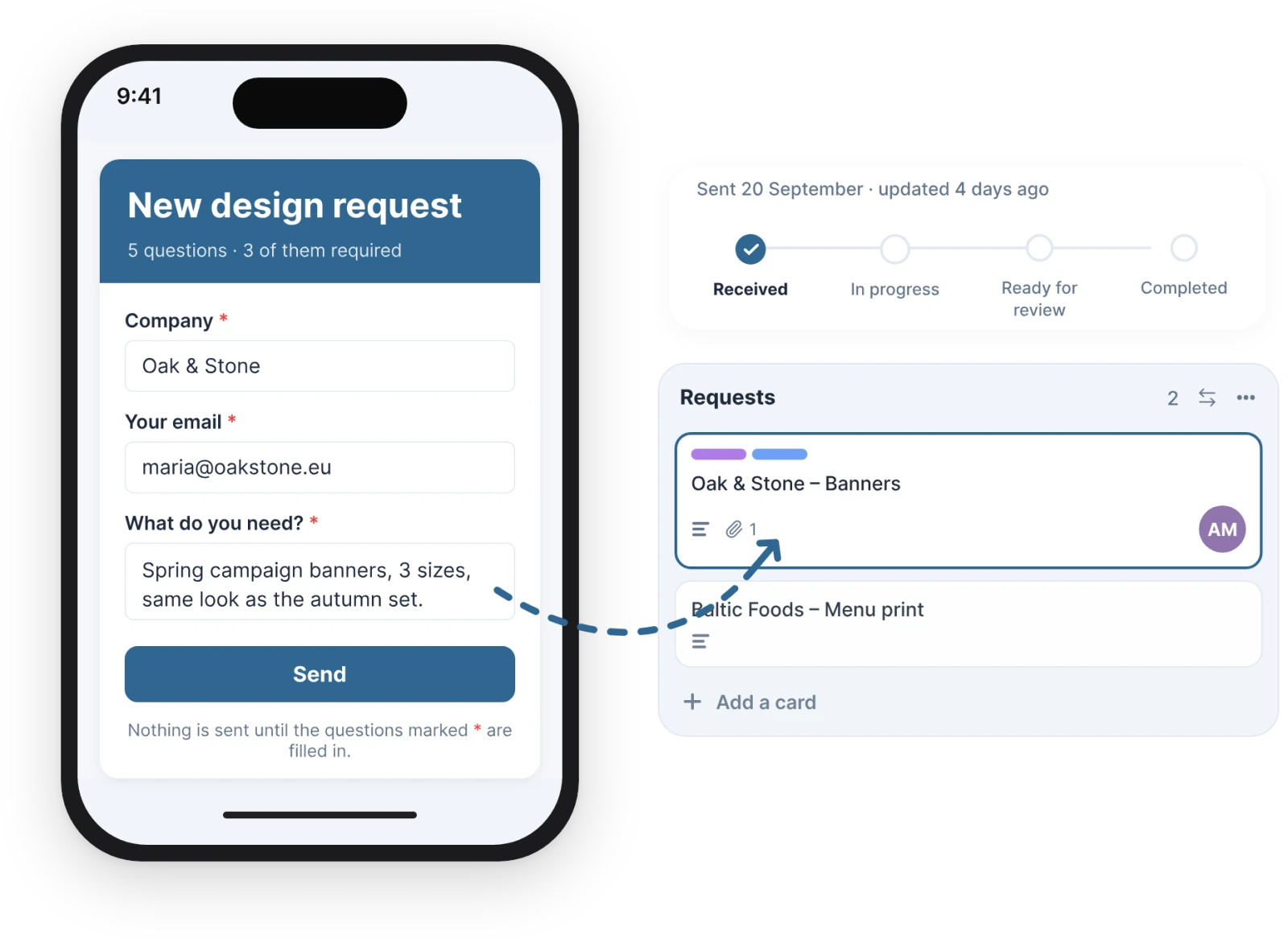

A form that becomes a card.
Your client follows it on a page of their own, no Trello seat needed.
 just another power-up
Simple power-ups for Trello. Each one does a single job and does it well. Built by a small boutique agency that uses them every day on its own boards.
What do you need?
A form that becomes a card.
Your client follows it on a page of their own, no Trello seat needed.
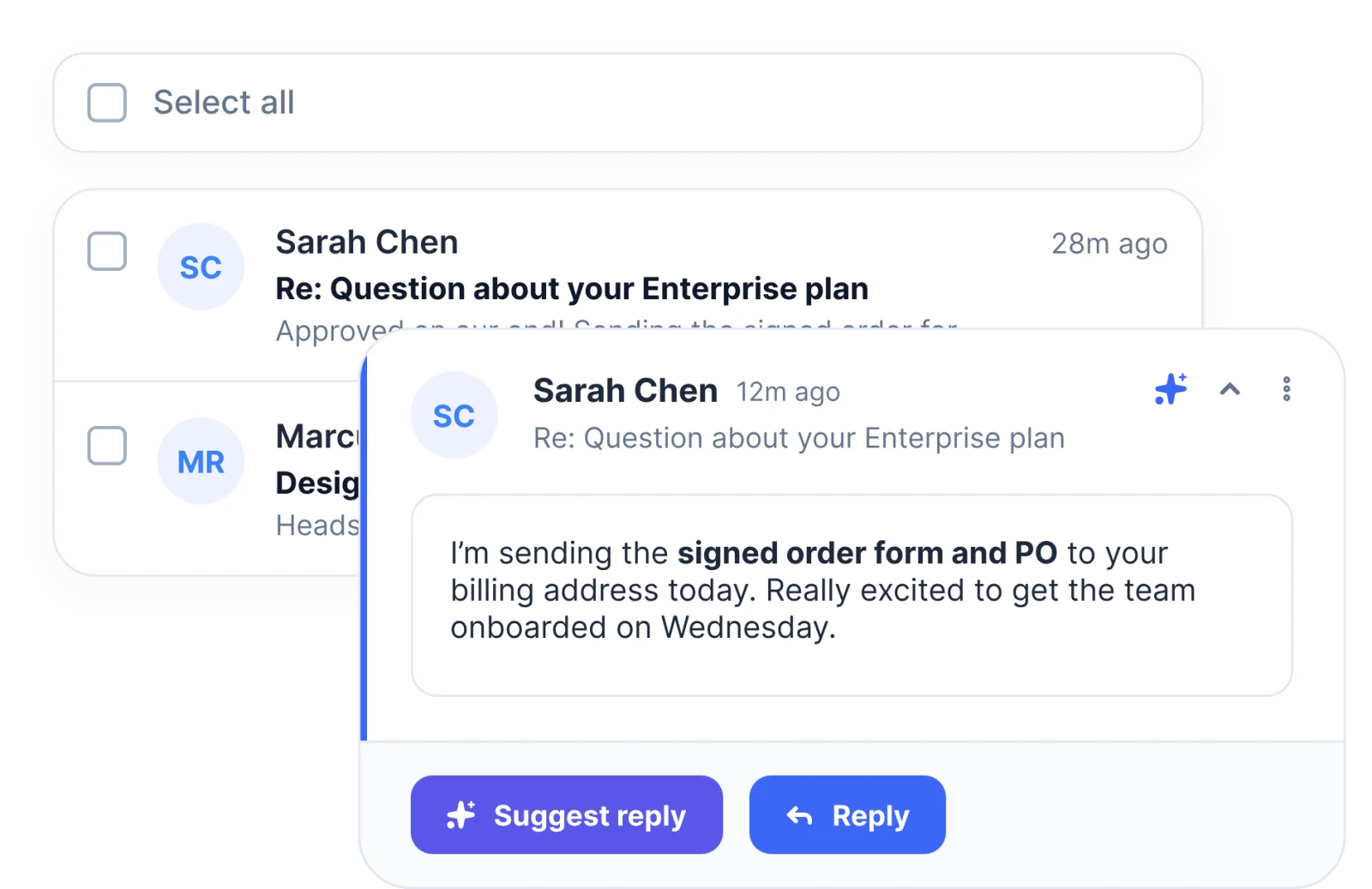
Gmail, inside Trello.
Read, reply and turn emails into cards without leaving the board.
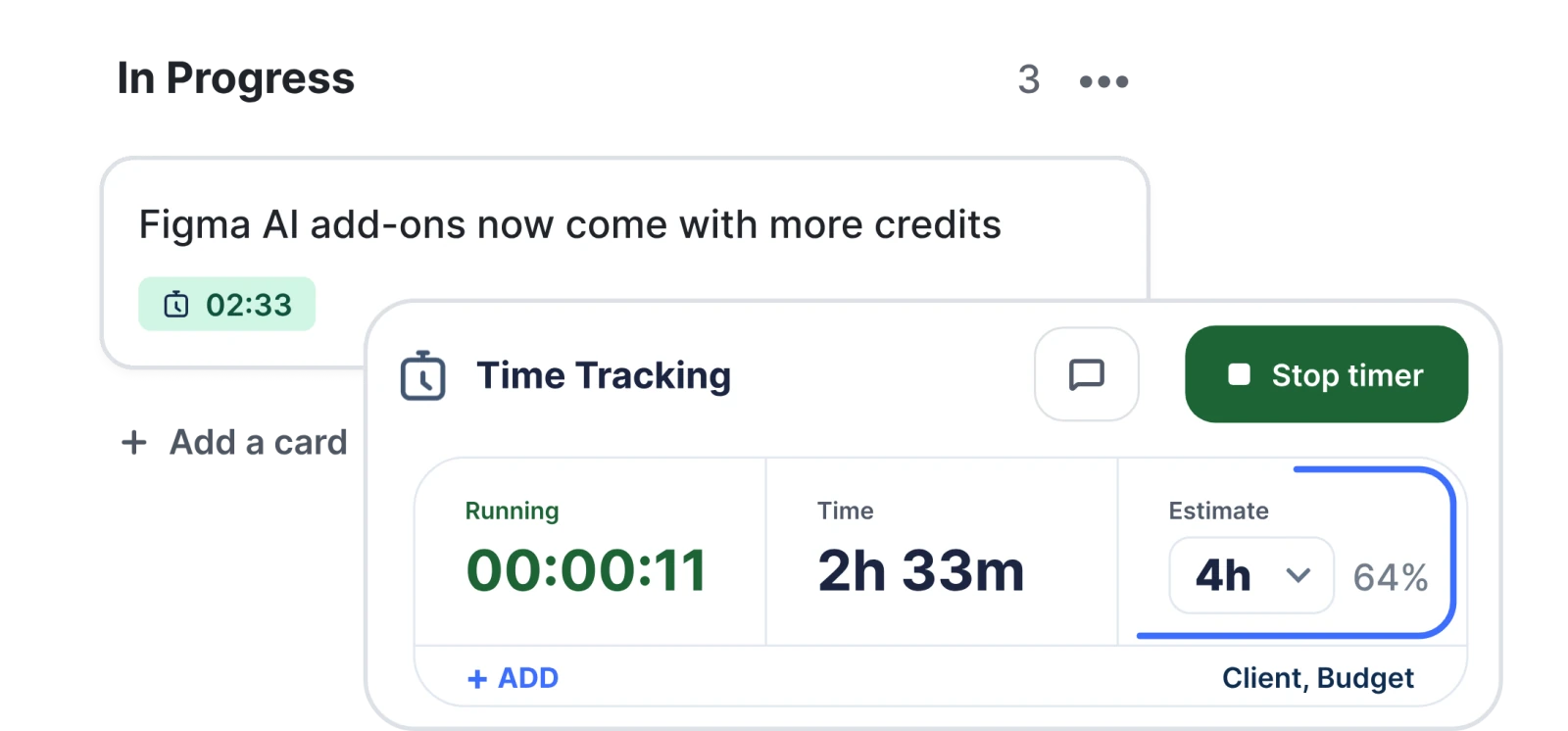
A timer on every card.
One price for the whole workspace, however many people use it.
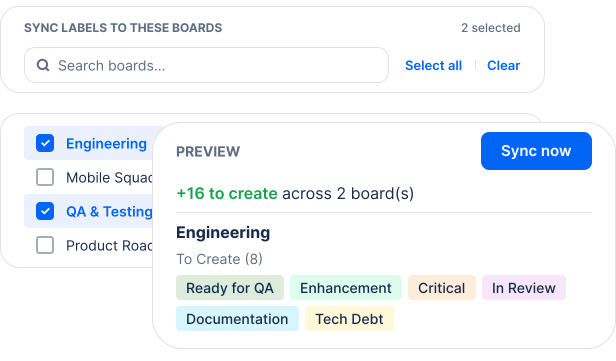
Change a label once.
It updates on every board, automatically.
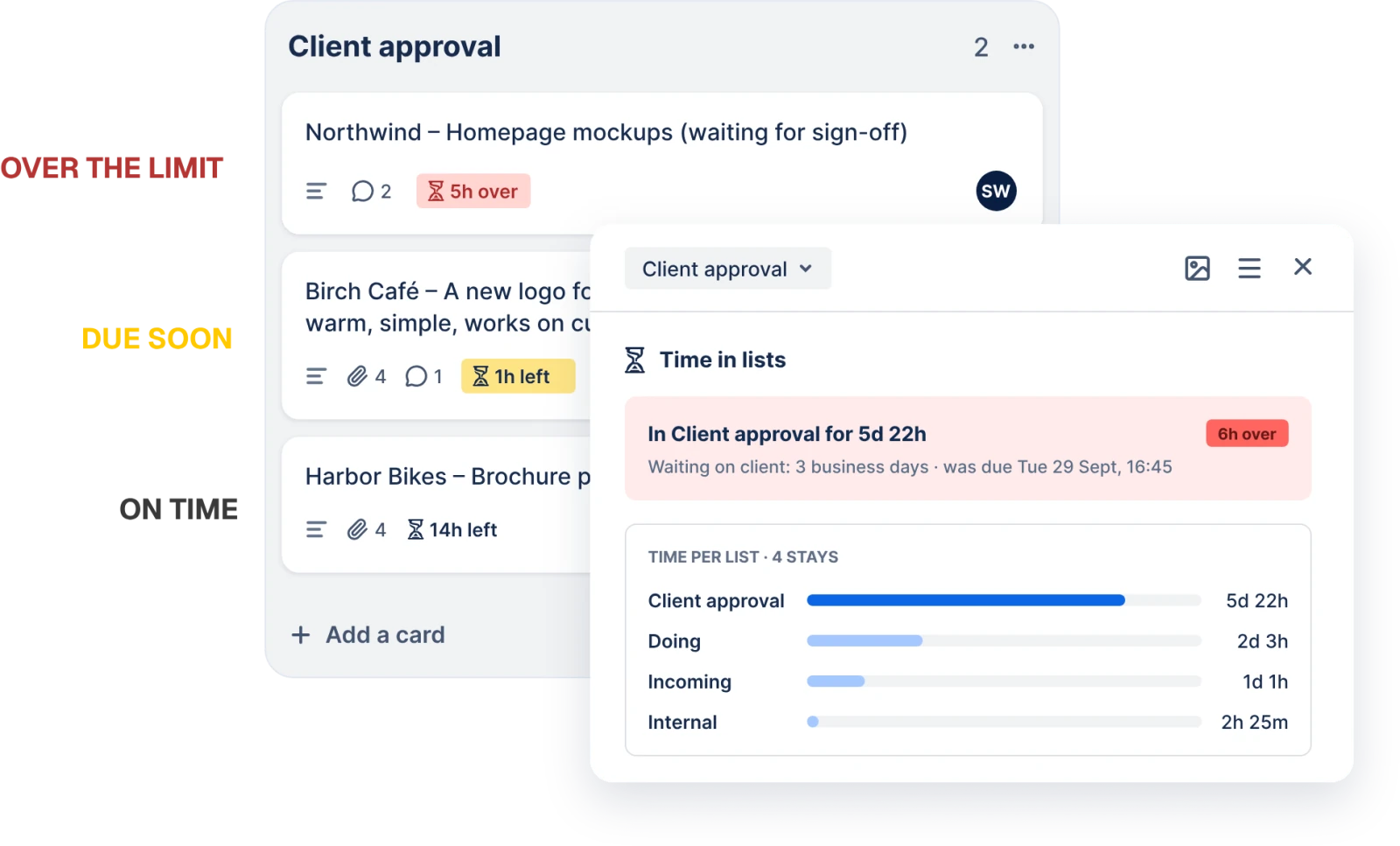
A time limit on every list.
Cards count down on the board, and their members hear about it before one waits too long.
Missing something?
Tell us what your board needs. The next power-up usually starts with an email like that.
rokas@justanotherpowerup.comNo account, no card, no trial that runs out. Install one from Trello and it works.
Trello already does most of the work. A power-up should add the one thing your board is missing, then stay out of the way.
Each power-up solves one specific problem. You can install it and have it working in a couple of minutes.
Time Tracking, Client Forms & Portal and SLA Alerts cost one price per workspace, however many people use them. Email Inbox and Label Sync cost a price per member, and Email Inbox only counts members who used it in the last 30 days. Every paid power-up has a 5-day free trial that needs no card. The free ones stay free.
Questions go straight to the people who build the power-ups: rokas@justanotherpowerup.com. You’ll usually hear back the same day.